
Background checks are processed by Checkr
Background Check fee is $20.00 as of 11/6/26.
Once background checks have been processed a refund can not be processed for this service.
Contact helpdesk@zortssports.com for assistance.
Website
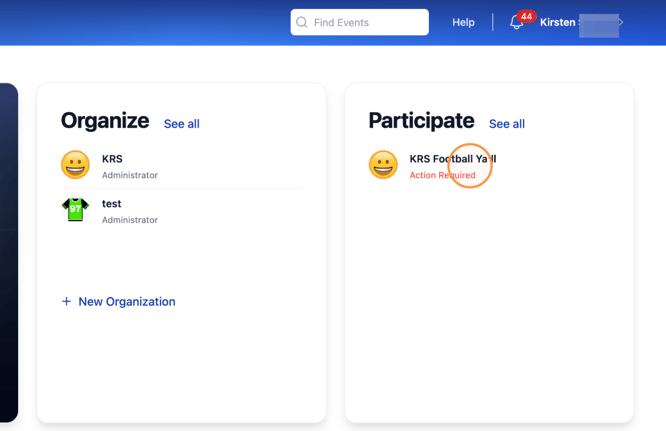
1. Navigate to your Zorts account and select the event that is requiring a background check purchase.
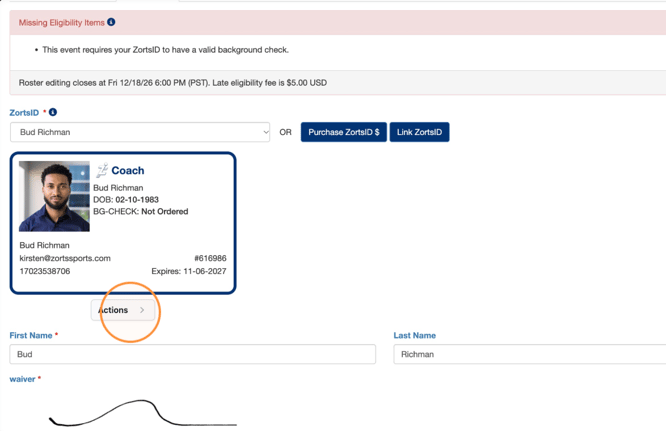
2. Click "Actions".
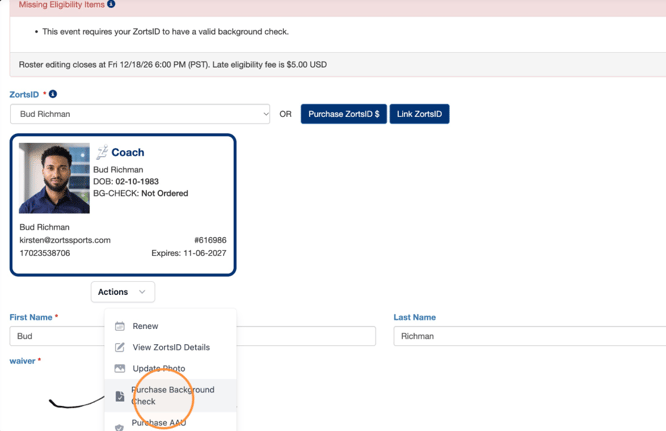
3. Click "Purchase Background Check"
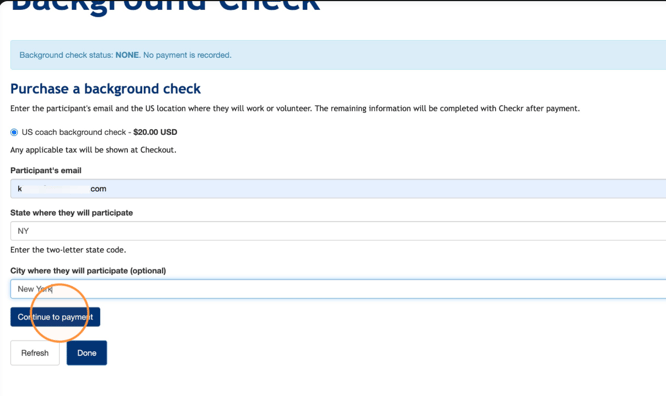
4. Enter all requested information and click "Continue to payment".
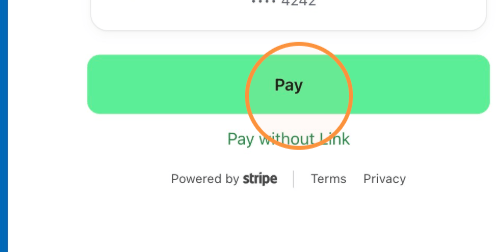
5. Enter your payment information and click "Pay".
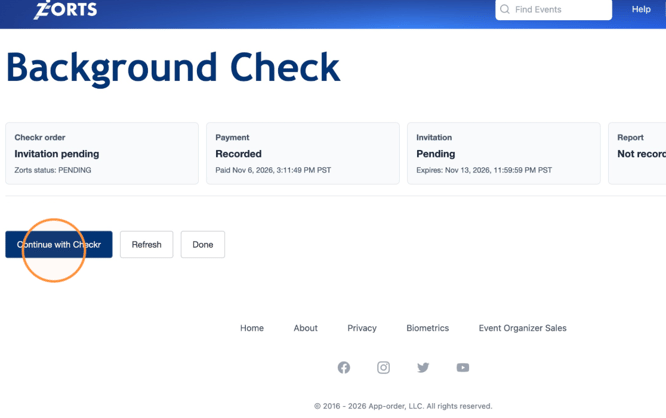
6. 🚨Click "Continue with Checkr" to complete your background check.
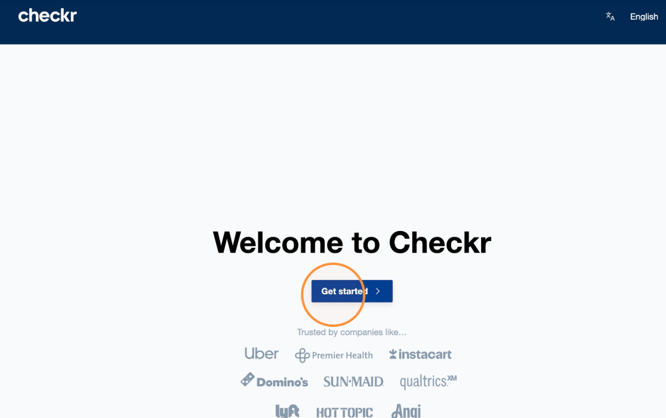
7. Click "Get started".
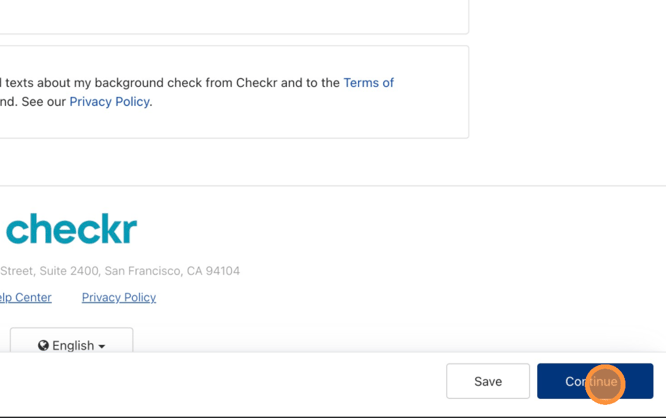
8. Review the information and click "Continue".
9. Enter your contact and personal information.
If you do not have a middle name, click the "I confirm I have no middle name." field.
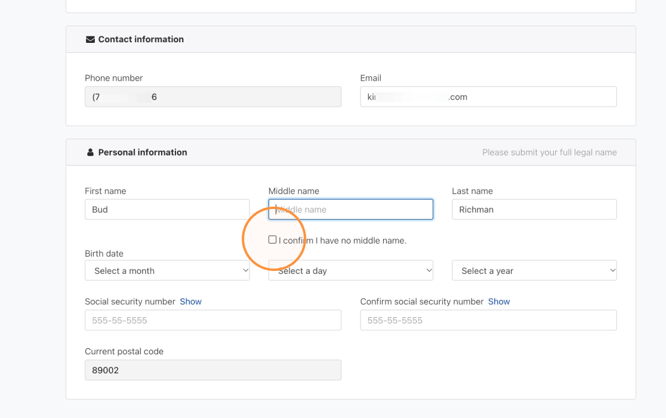
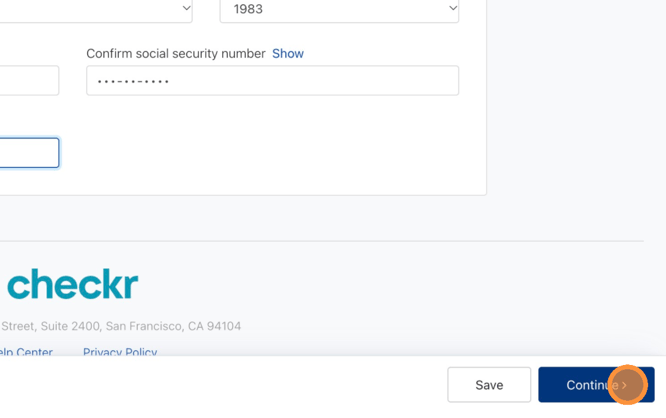
10. After you've completed the form, click "Continue".
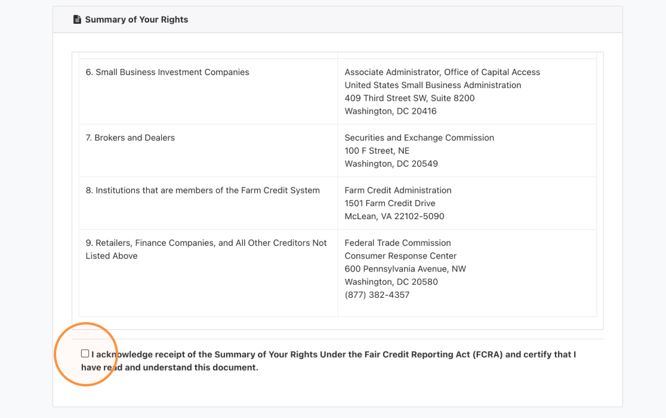
11. Review the "Summary of Your Rights" and the check the box to acknowledge them.
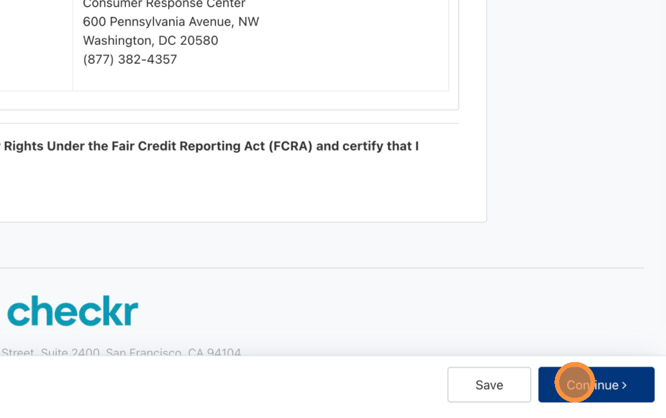
12. Click "Continue".
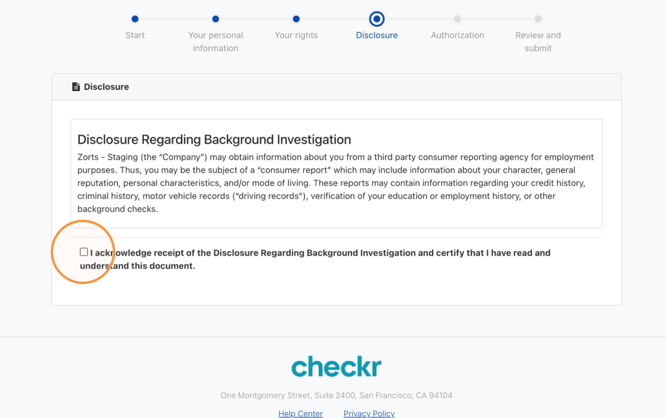
13. Review the "Disclosure Regarding Background Investigation" and check the box to acknowledge receipt of the document.
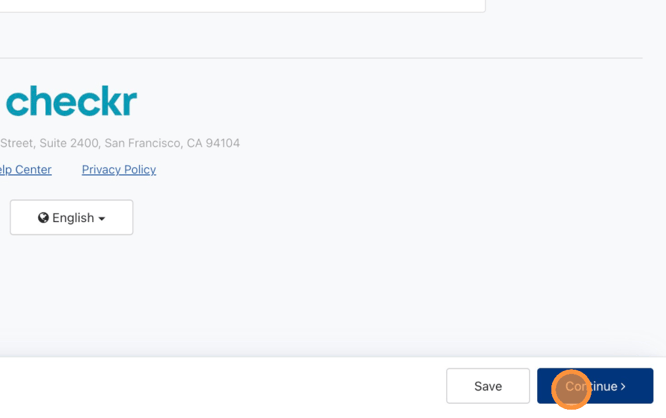
14. Click "Continue".
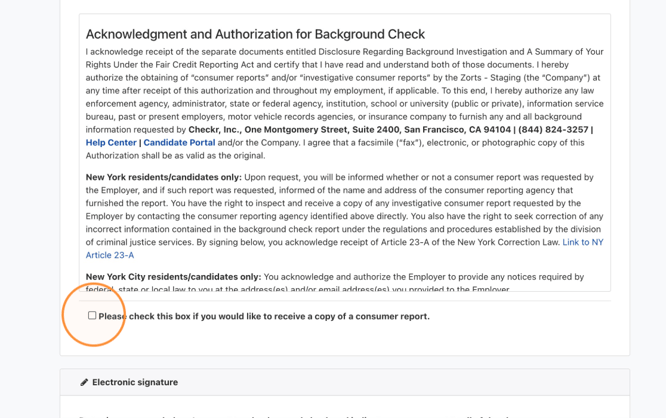
15. Review the "Acknowledgment and Authorization for Background Check" and check the box to receive a copy of your consumer report.
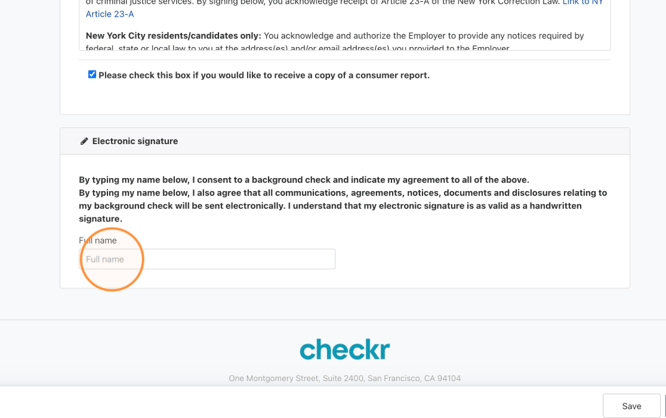
16. Enter your full name to sign.
17. Click "Continue".
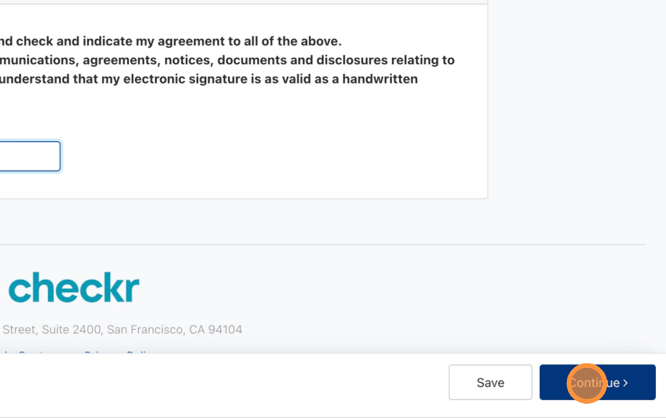
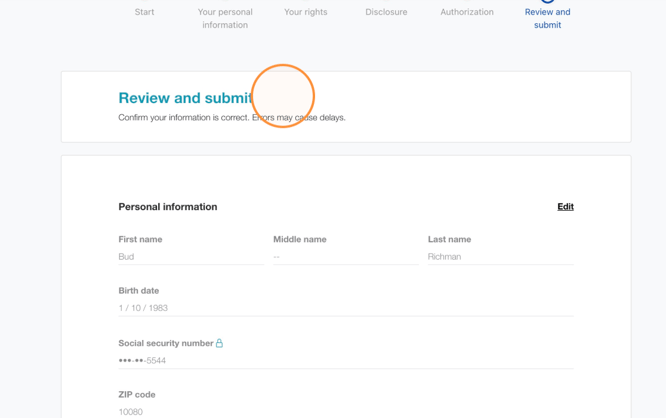
18. Review your information.
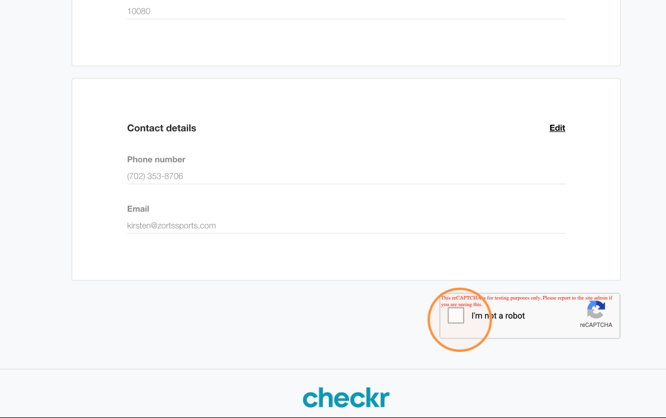
19. Click here to complete reCAPTCHA.
20. Click "Submit".
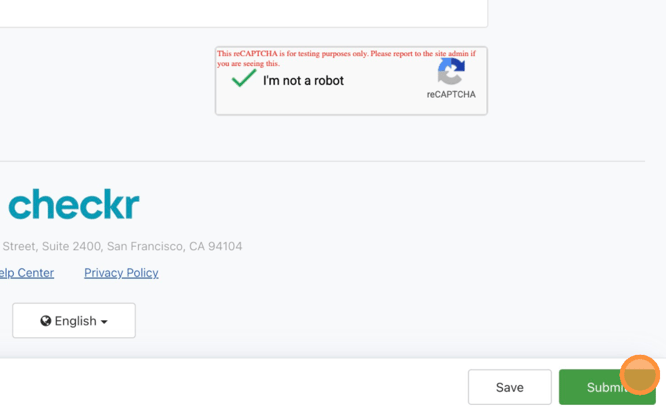
21. Your background check status has now been ordered! When it is processed, the "BG check status" on your ZortsID will update accordingly!
Contact helpdesk@zortssports.com for assistance.