🚨Registration Protection for an event is only available 14 days before the event start date🚨
If you've already completed event registration and would like to add protection, click HERE
Your Registration Protection purchase must be completed through the Zorts website. To complete, please log into your account at https://zortssports.com.
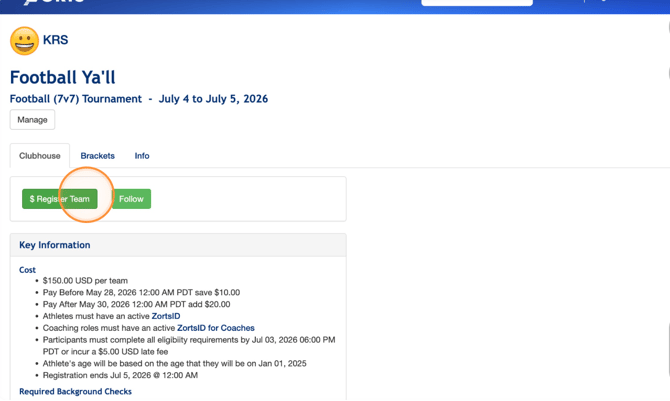
1. Navigate to your Zorts account and search for the event you'd like to register for.
Then, click "$ Register Team"
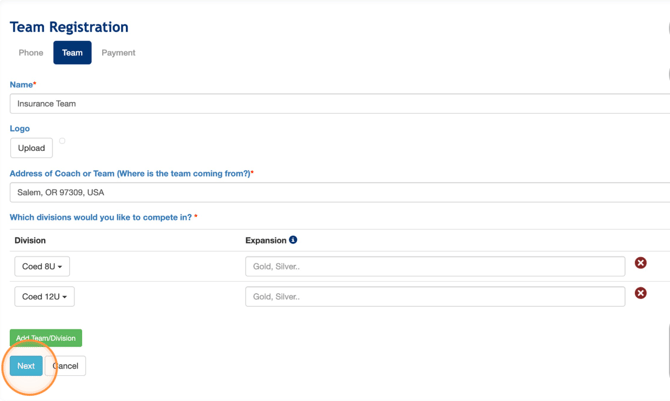
2. Enter all of your team's personal information, including all divisions, and click "Next"
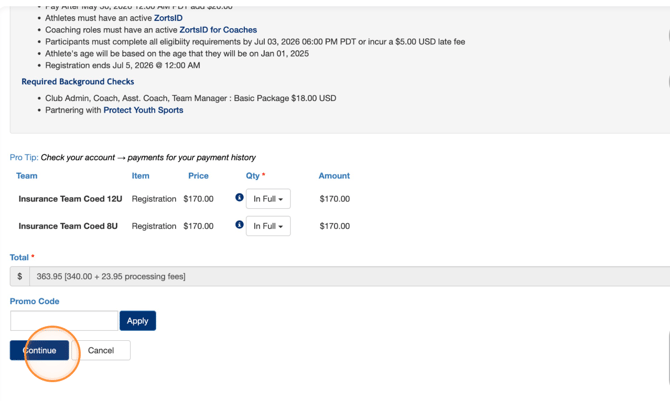
3. Review your team registration payment and click "Continue" to enter your payment information.
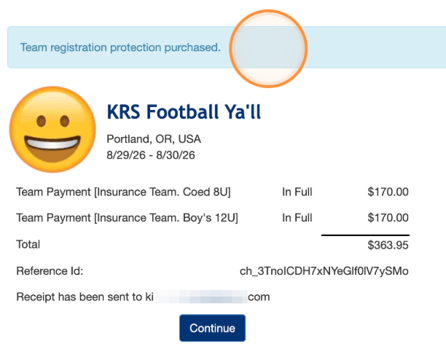
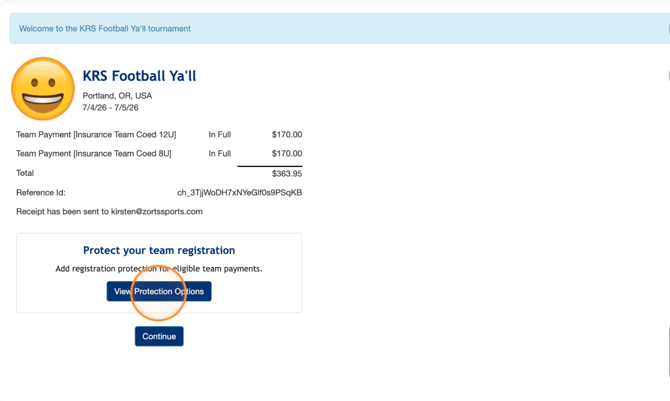
4. Once your registration payment has been made, your receipt will display.
Click "View Protection Options"
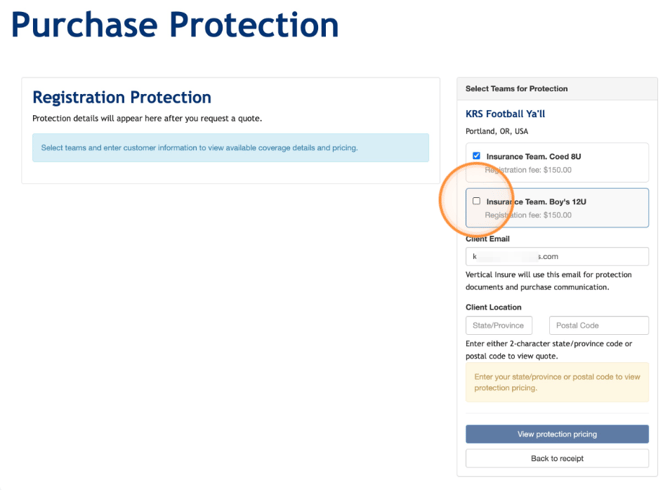
5. Select the teams you'd like to insure.
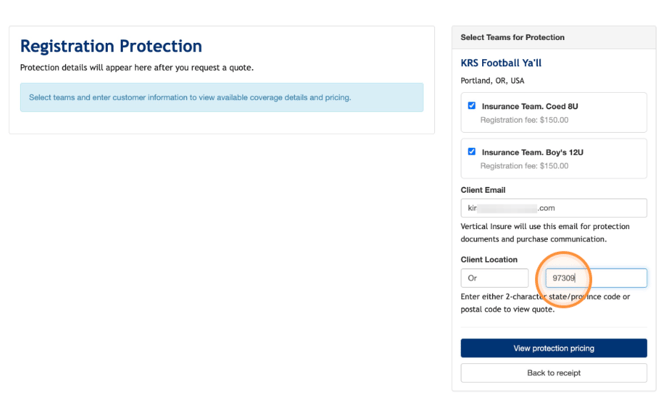
6. Enter your location information
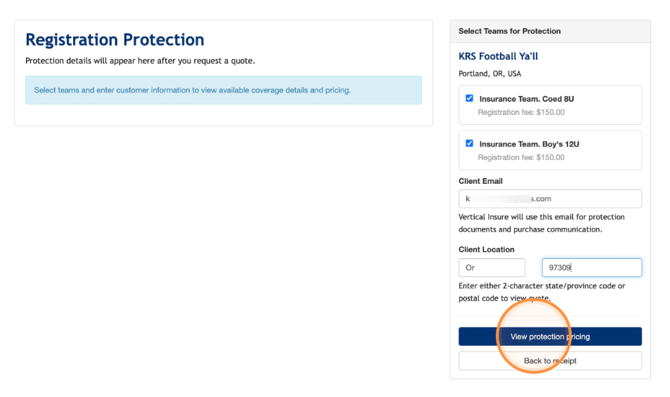
7. Click "View protection pricing"
8. After reviewing coverage information and pricing, click "Continue to checkout"
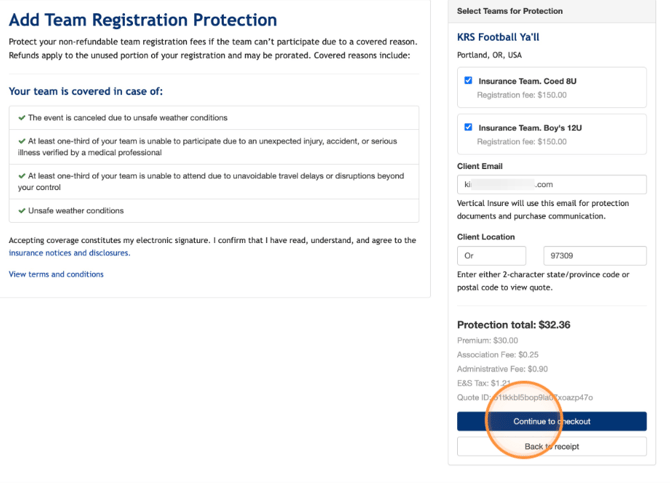
9. After entering payment information, your purchase will be complete!
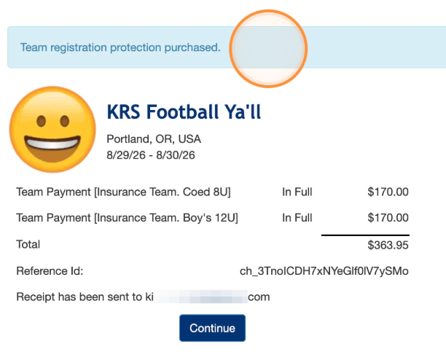
Purchasing Event Protection After Team Registration Has Been Completed
1. While viewing the event from your CLUB ADMIN role..
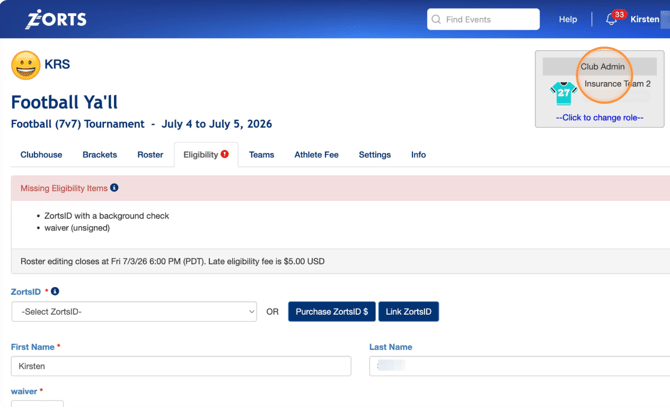
2. Click "Teams"
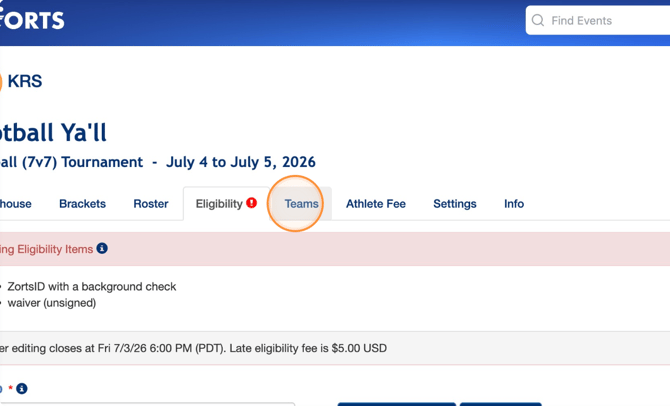
3. Click "View Protection Options"
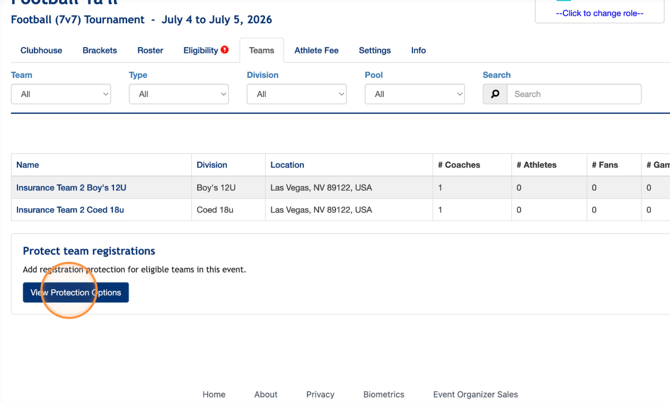
4. Select the teams you'd like to insure.
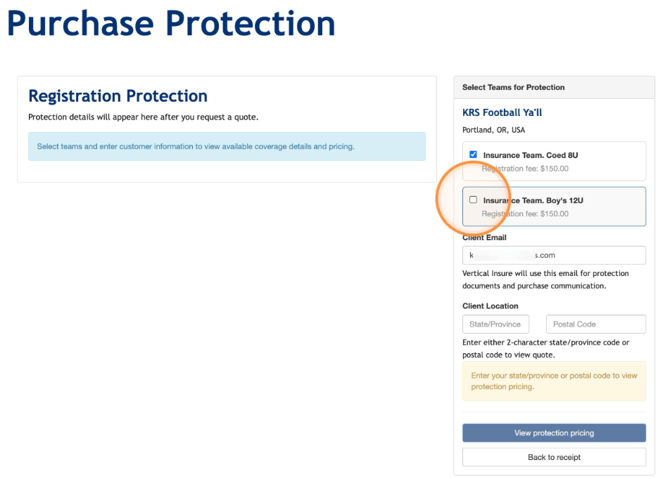
5. Enter your location information
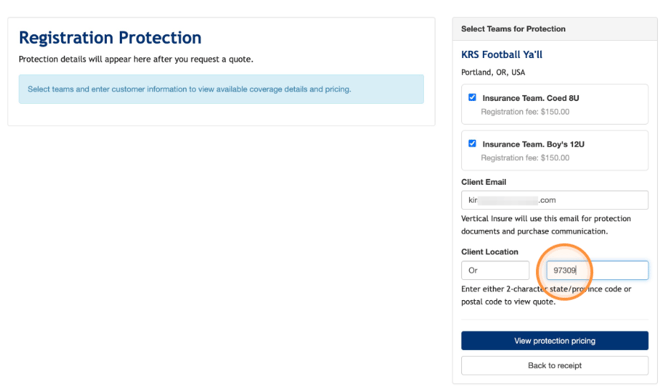
6. Click "View protection pricing"
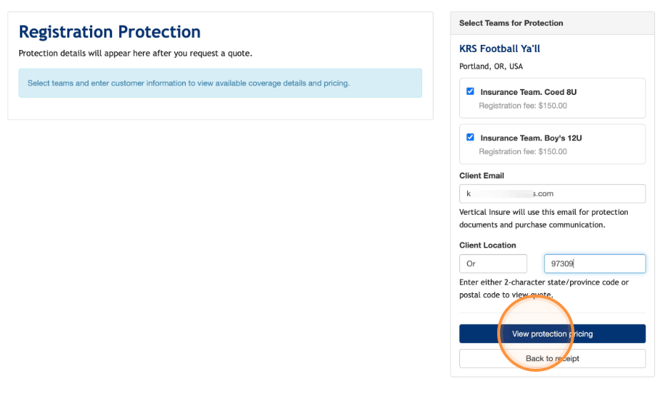
7. After reviewing pricing, click "Continue to checkout"
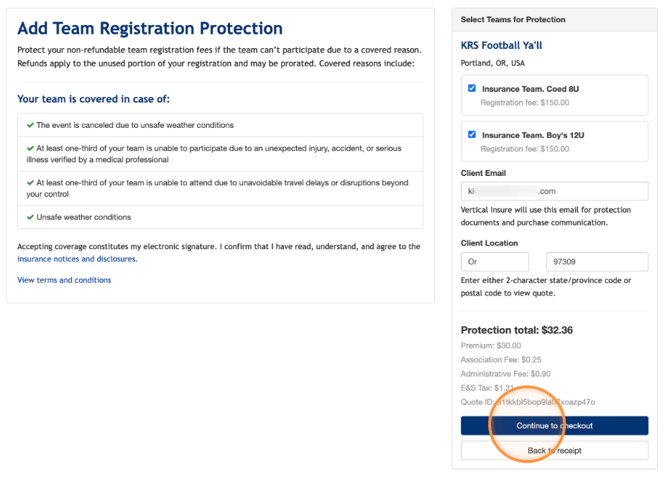
8. After entering payment information, your purchase will be complete!