---
title: How To Change Your User ID/Email Address/Phone Number/Name/Password
description: How To Change Your User ID/Email Address/Phone Number/Name
---
[Skip to content](https://zorts.zortssports.com/knowledge-base/how-to-change-your-user-id/email-address/phone-number/name#main-content)
English
Show submenu for translations

Open main navigation
Close main navigation
- English
Show submenu for translations
- [Help](https://zorts.zortssports.com/support_ticket)
[Help](https://zorts.zortssports.com/support_ticket?hsLang=en)
How can we help you?
- There are no suggestions because the search field is empty.
1. [Zorts Knowledge Base](https://zorts.zortssports.com/knowledge-base?hsLang=en)
2. [Participants](https://zorts.zortssports.com/knowledge-base/participants?hsLang=en)
# How To Change Your User ID/Email Address/Phone Number/Name/Password
## Below are the step-by-step instructions on how to change your account Information
### Web
1. After logging into your account at [https://zortssports.com](https://zortssports.com/), select your name from the top right corner of the screen.
2. Click 'Your Account' from the dropdown that appears.

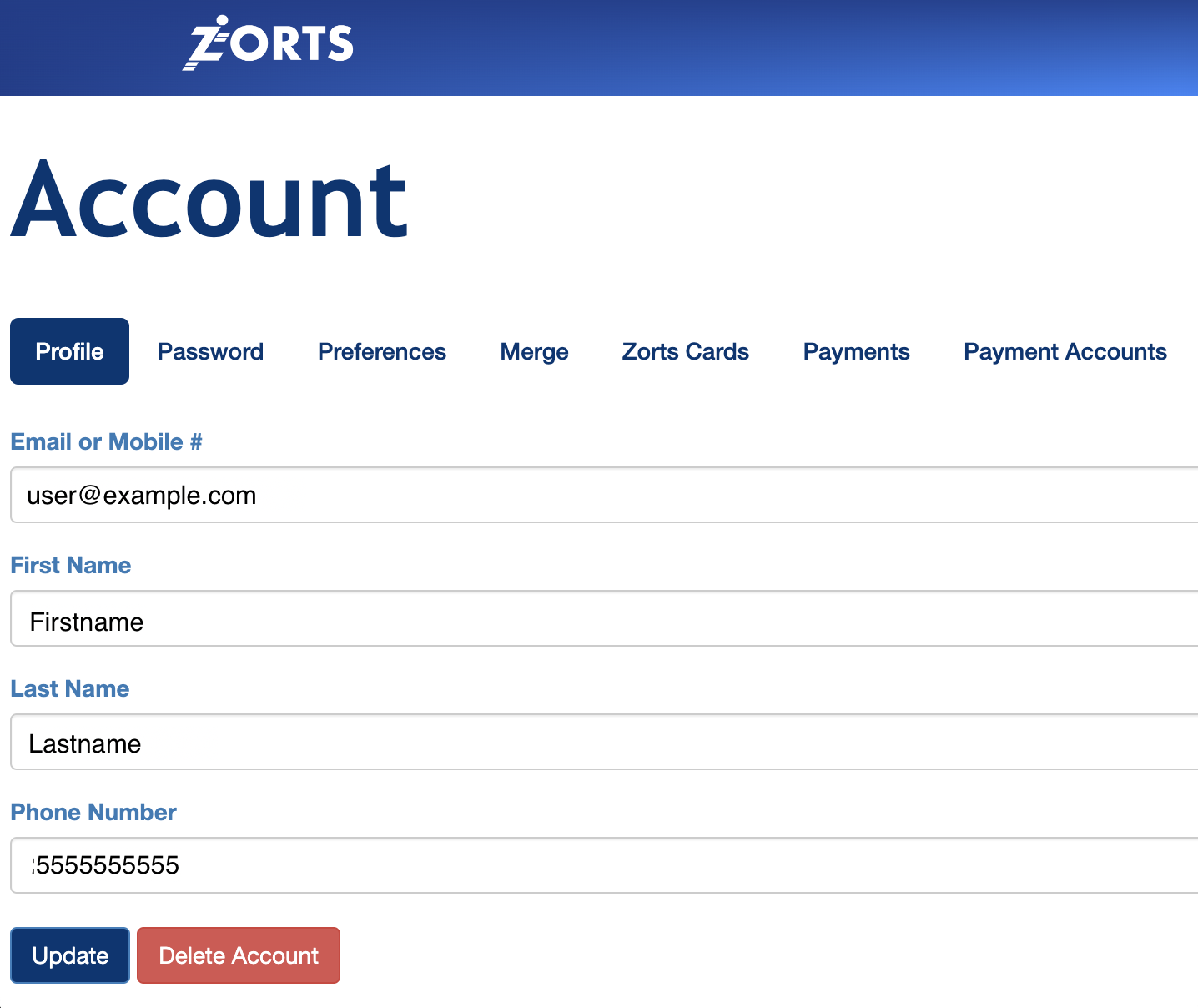
3. Select the ‘Profile’ tab, make the necessary changes on the form.
4. Click the ‘Update’ button at the bottom.
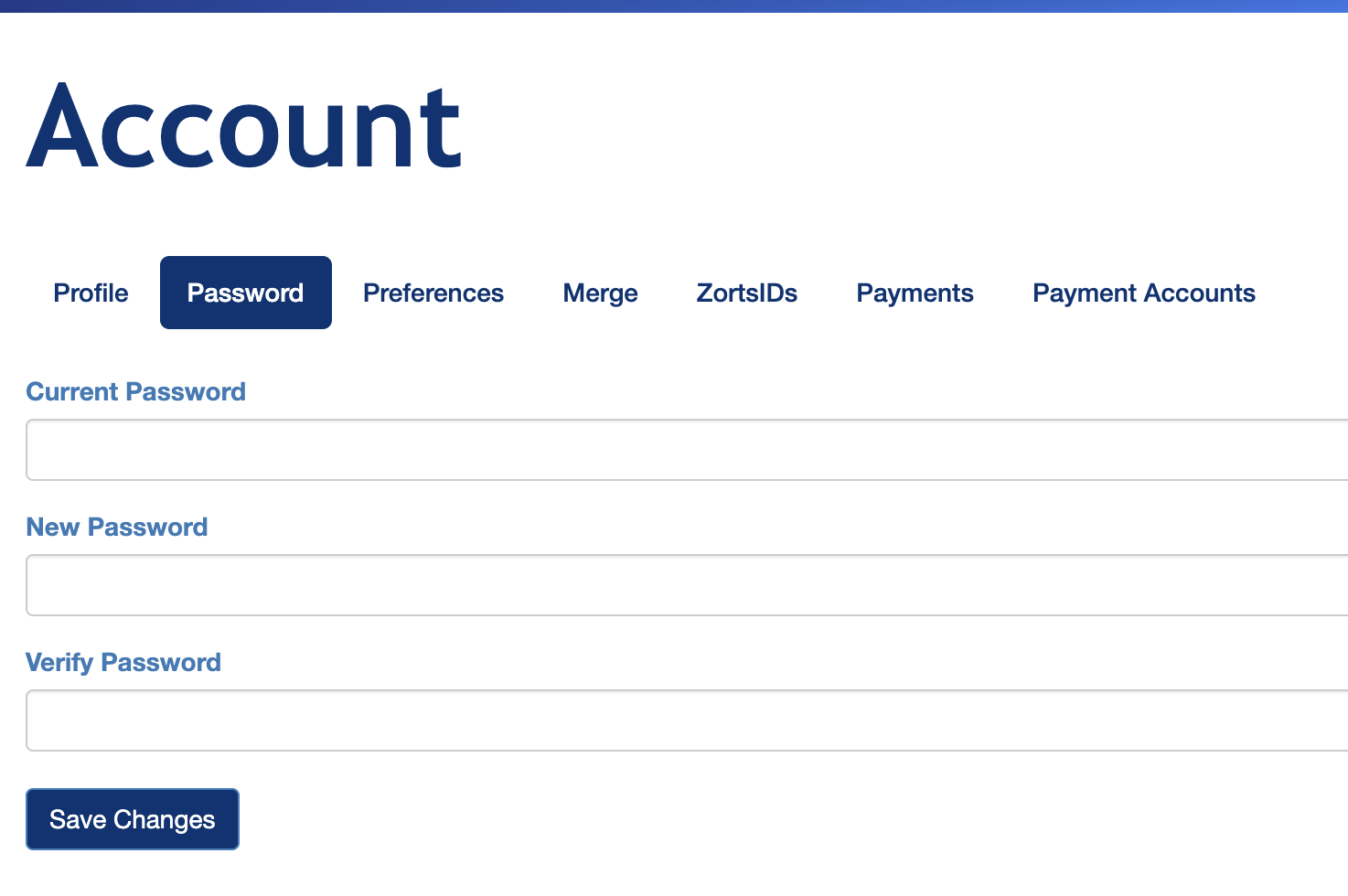
5. To change your password click 'Password'.
6. Enter your Current Password and your New Password
- [Coaches](https://zorts.zortssports.com/knowledge-base/coaches?hsLang=en)
- [Participants](https://zorts.zortssports.com/knowledge-base/participants?hsLang=en)
- [Event Administrators](https://zorts.zortssports.com/knowledge-base/event-administrators?hsLang=en#main-content)
- [Payment Management](https://zorts.zortssports.com/knowledge-base/event-administrators?hsLang=en#payment-management)
- [Coaches and Event Administrators](https://zorts.zortssports.com/knowledge-base/coaches-and-event-administrators?hsLang=en)
- [STRIPE Training](https://zorts.zortssports.com/knowledge-base/stripe-training?hsLang=en)
[](http://zortssports.com)
Copyright © 2025, Zorts