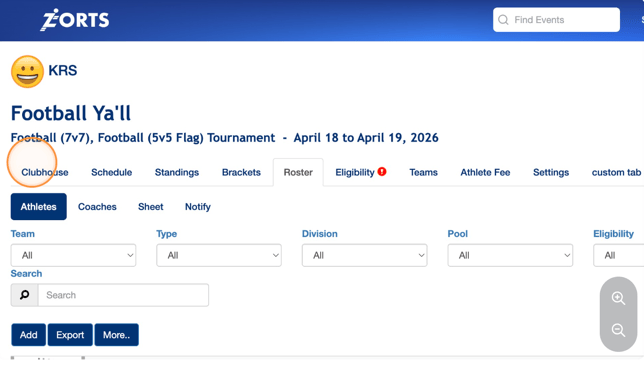
1. Navigate to https://dev.zortssports.com and log into your account.
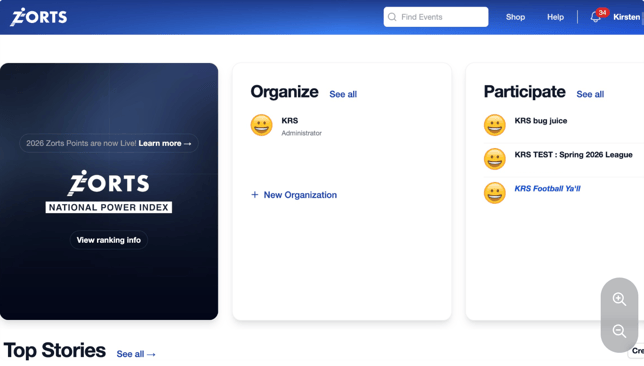
2. Select the event in question.
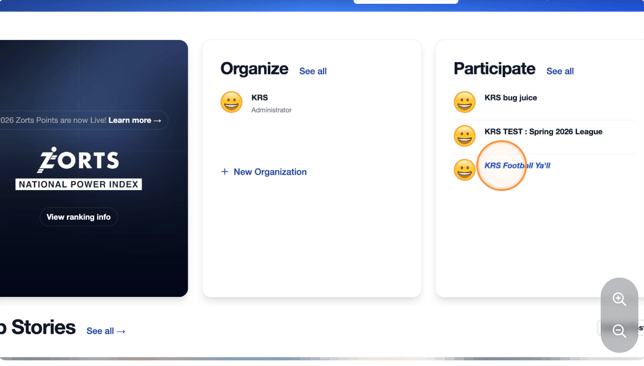
3. You can make a payment from your Club Admin or Coach role.
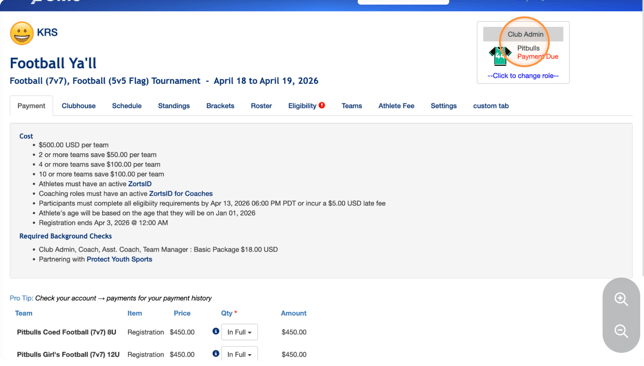
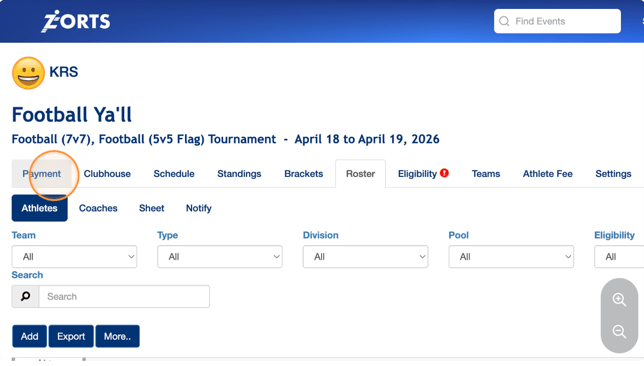
4. If you have a balance due, you will see a "Payment" tab.
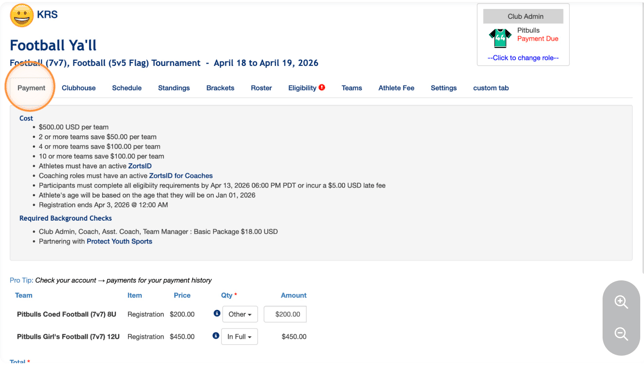
5. If you haven't made a deposit yet, you must pay at least the "Deposit" amount to move forward with the transaction.
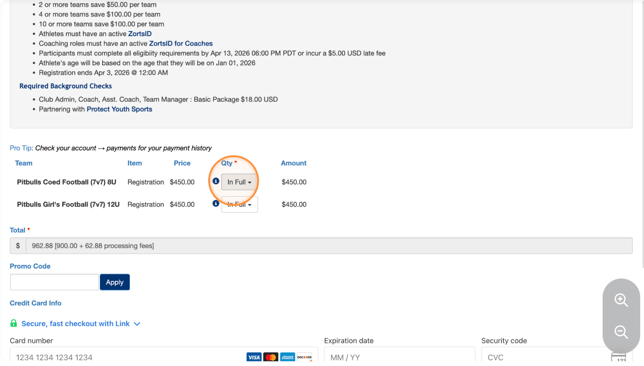
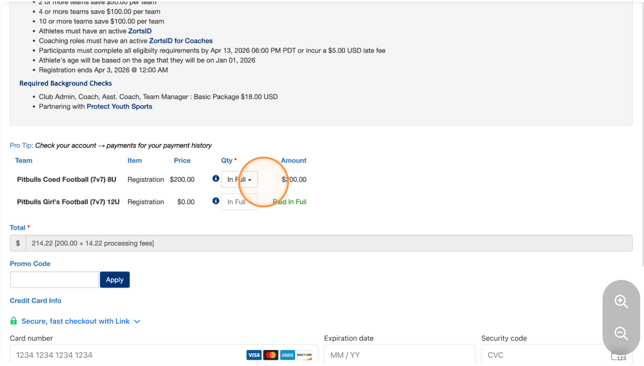
6. With the drop-down menu, you may choose either "In Full", "Other", or "Deposit".
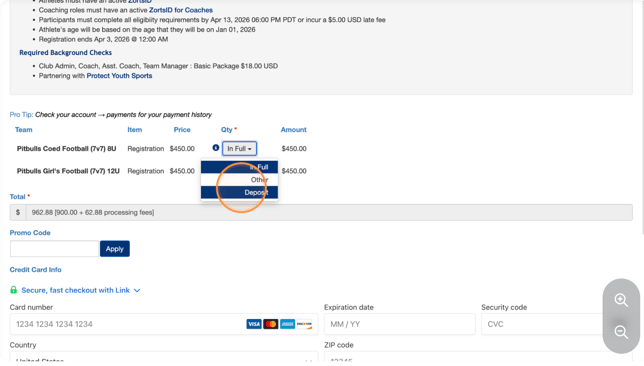
7. For this example, we are paying the "Deposit" amount for one division and the "In Full" amount for the other.
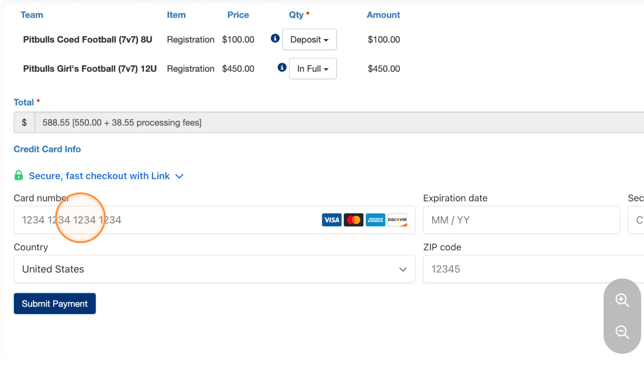
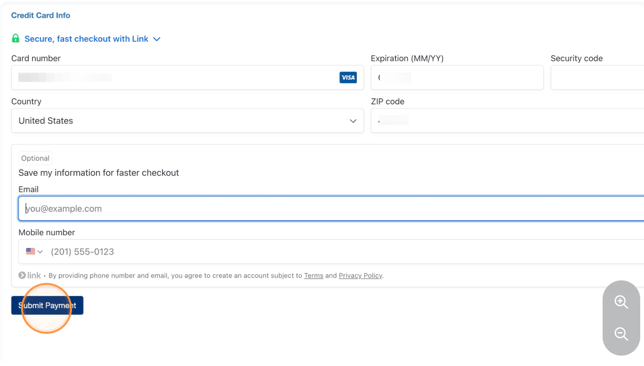
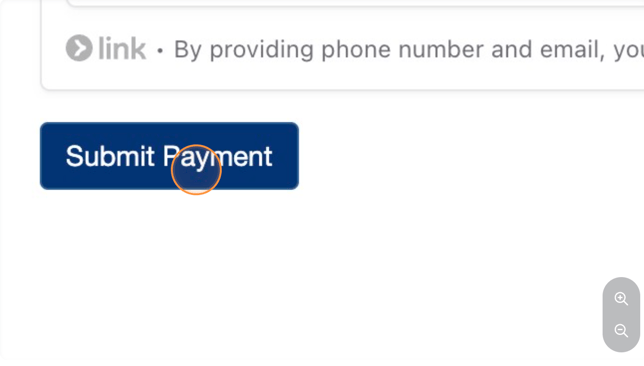
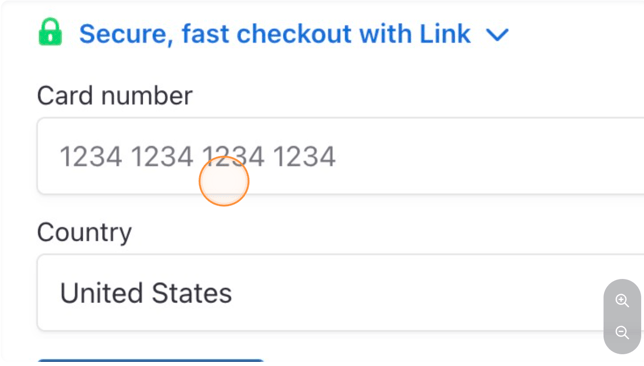
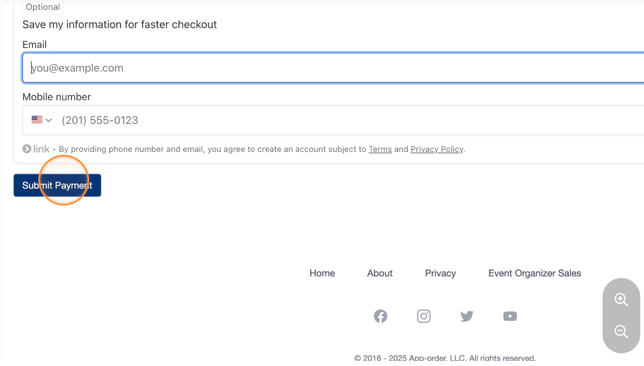
8. Enter your payment information (you may skip the 'Optional' section) and click "Submit Payment."
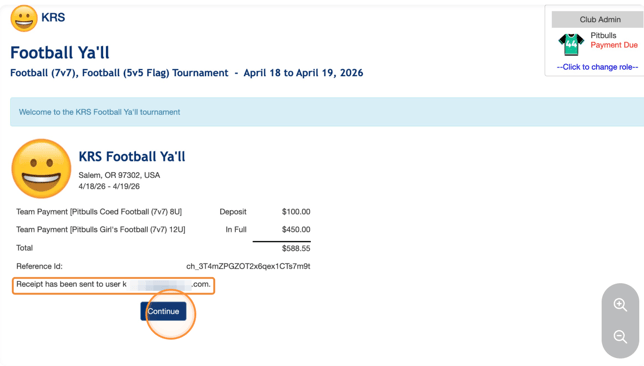
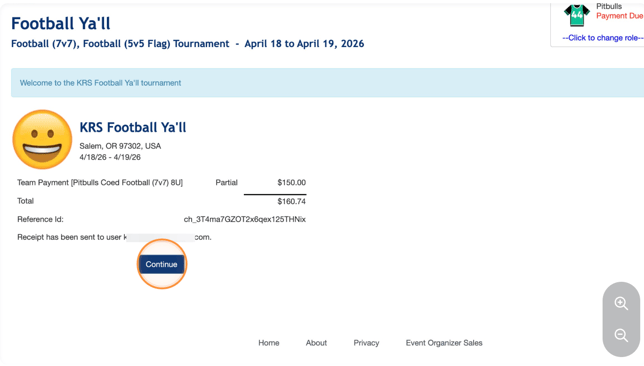
9. Observe your payment and receipt confirmation and click "Continue."
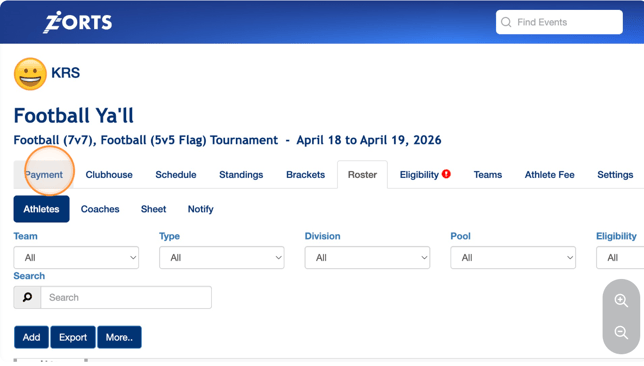
10. To pay more of your balance, click "Payment."
11. Click here to select the payment quantity.
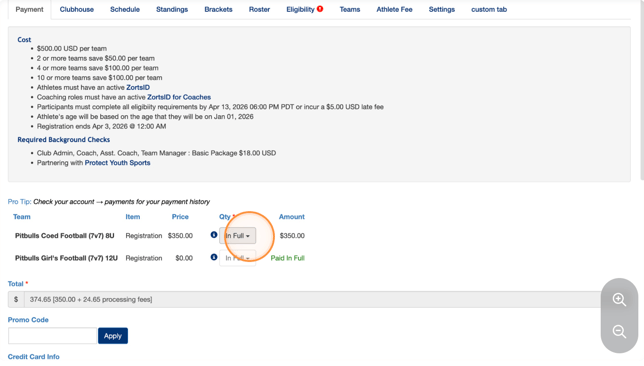
12. You can chose to pay in full or "Other."
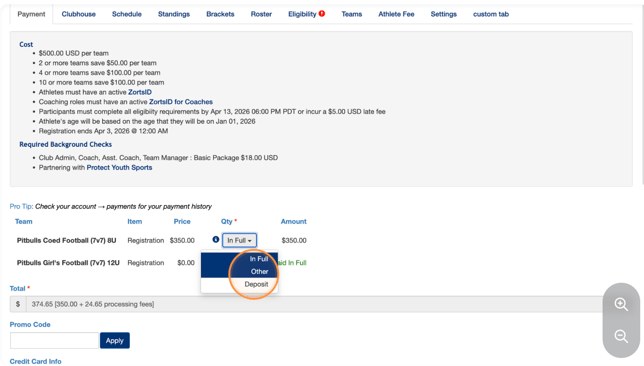
13. Click this text field if you'd like to change the amount.
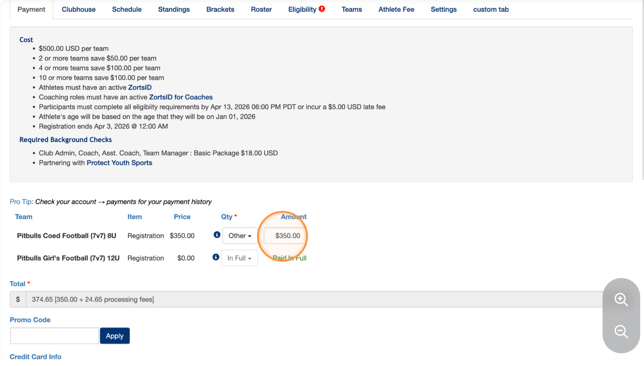
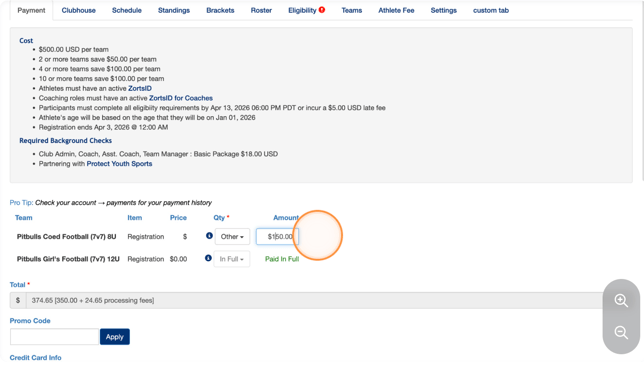
14. Type the amount you'd like to pay off.
15. Enter payment information
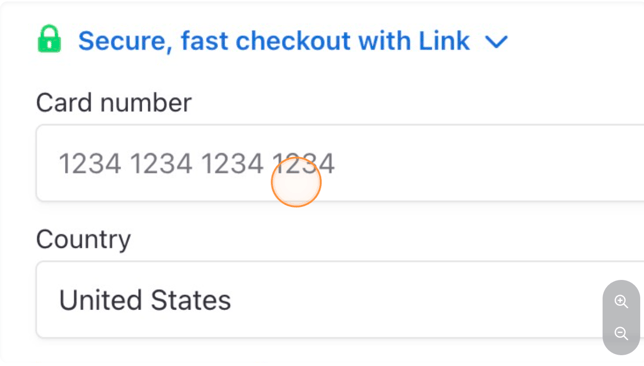
16. Click "Submit Payment"
17. Click "Continue"
18. Click "Payment" again to complete your payment.
19. This time we will pay the remaining balance by leaving the 'Qty' drop down at "In Full."
20. Enter your payment info
21. Click "Submit Payment"
22. Click "Continue"
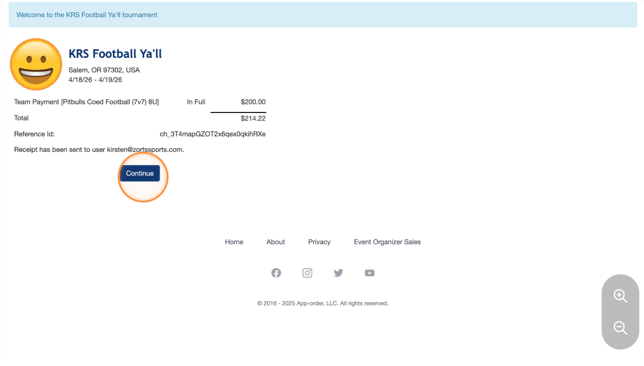
23. Note that after you've paid the full amount and have no balance, the "Payment" tab will no longer display within the event.