Scores can be managed by an event administrator, staff member, referee, or score keeper
NOTE : You will only be able to Score a game after your schedule has been Published
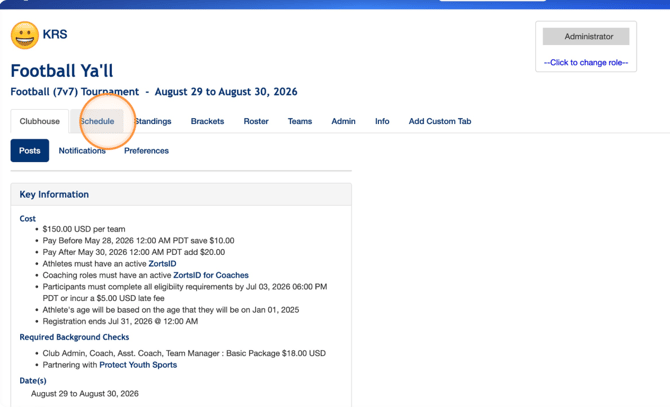
1. After logging into your account and accessing the event in question, click Schedule.
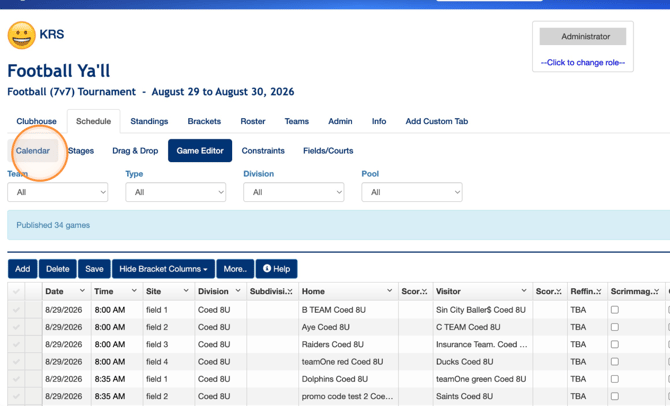
2. Click Calendar
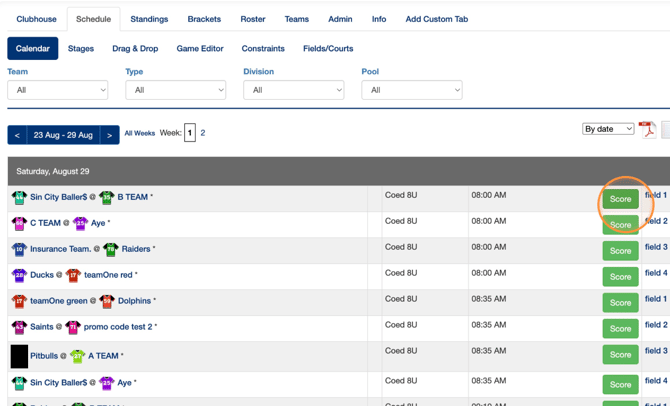
3. Click Score next to the game that you'd like to enter a score for.
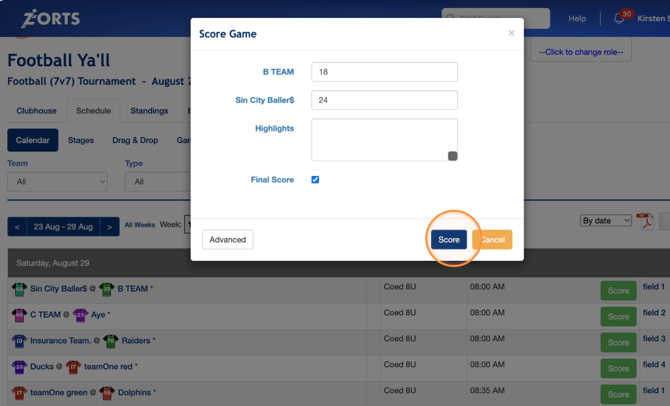
4. Enter each team's final score and then click Score.