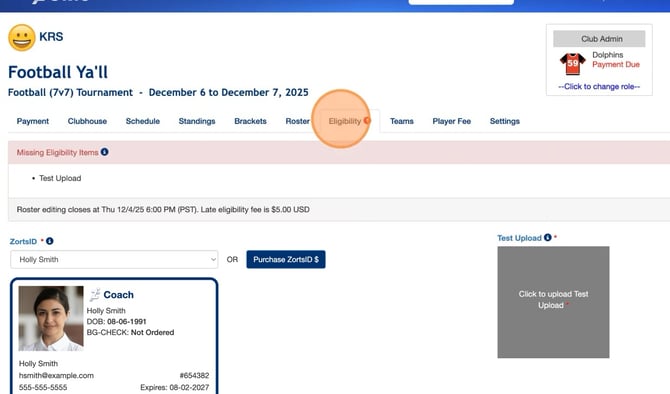
1. After logging into your account, select the event in question and navigate to your Eligibility tab.
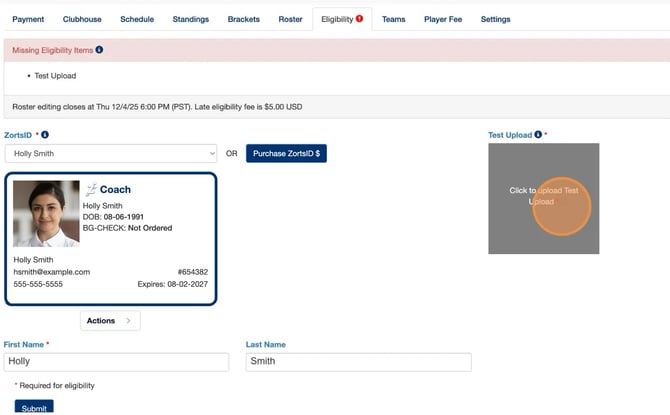
2. Click "Click to Upload.." to upload a document (jpg, pdf, etc.) from your device.
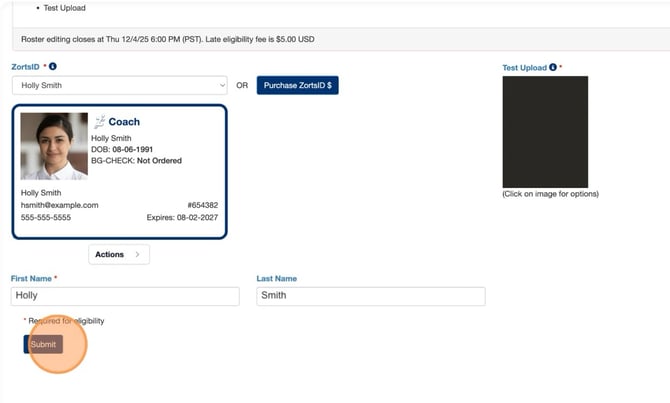
3. Once the document has uploaded, click "Submit" at the bottom of the page.
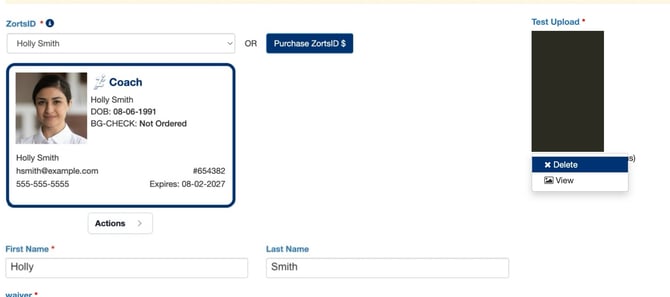
To upload a new file, please click on the currently uploaded file and select "Delete". Once it’s removed, you’ll be able to upload a new file.