Skip to content

Zorts + Stripe

We’ve partnered with Stripe to help you grow by improving your cash flow, streamlining your processes, and offering more flexibility to your customers.

dc6d4c66-5740-4349-9173-7a872a90797d

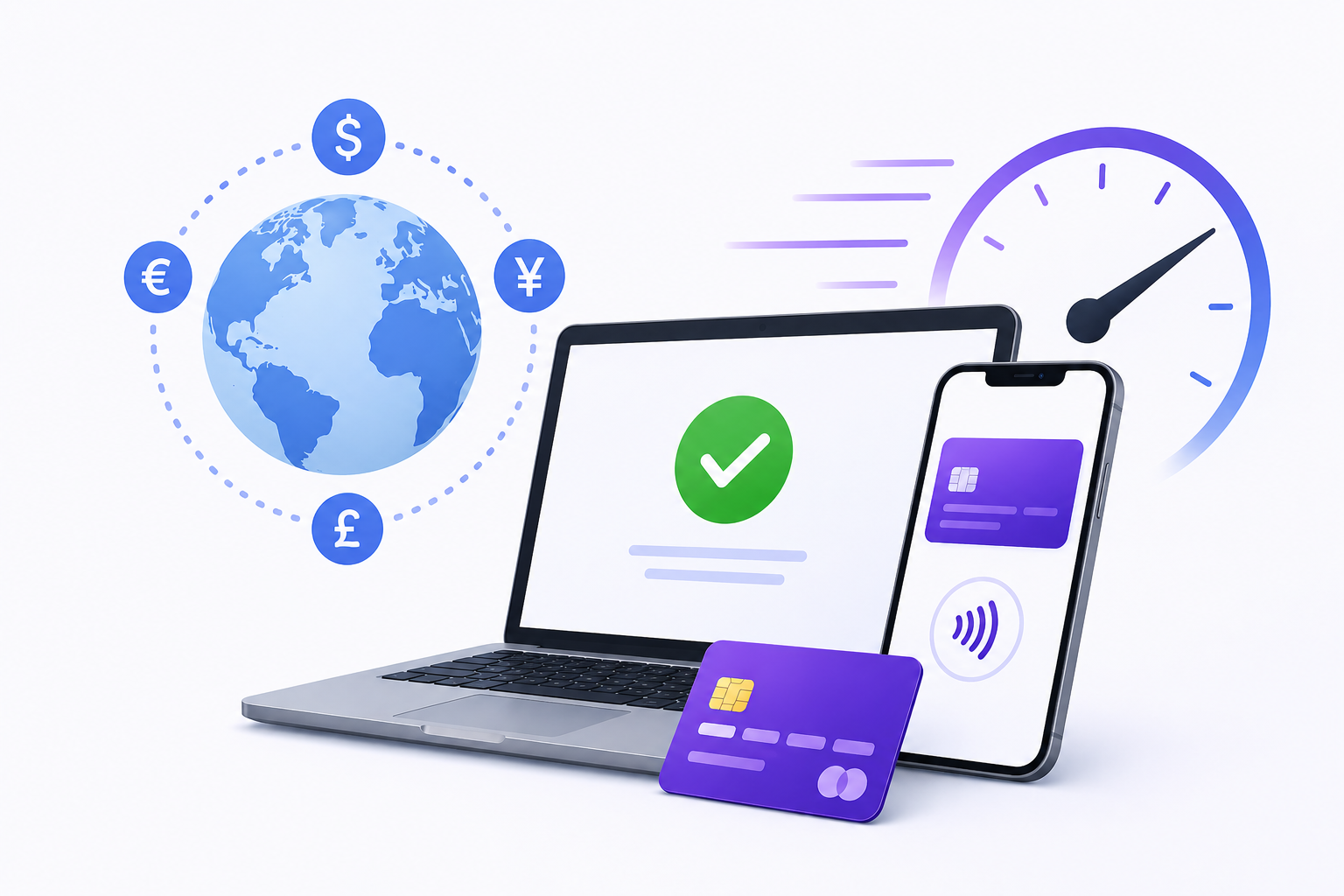
Get paid faster - Let customers pay with Zorts, immediately.

  • Accept credit and debit cards in 135+ currencies
  • ACH bank debits - directly debit US customers’ bank accounts
    • reduce failed payments and lower transaction costs for large or recurring payments
  • Support wallet payment methods 
    • Apple Pay, Google Pay, Alipay, WeChat Pay, Amex Express Checkout, Microsoft Pay, Visa Checkout, and Masterpass by Mastercard.
cf0cfbe0-133e-4367-af78-d39e49d7f9f4

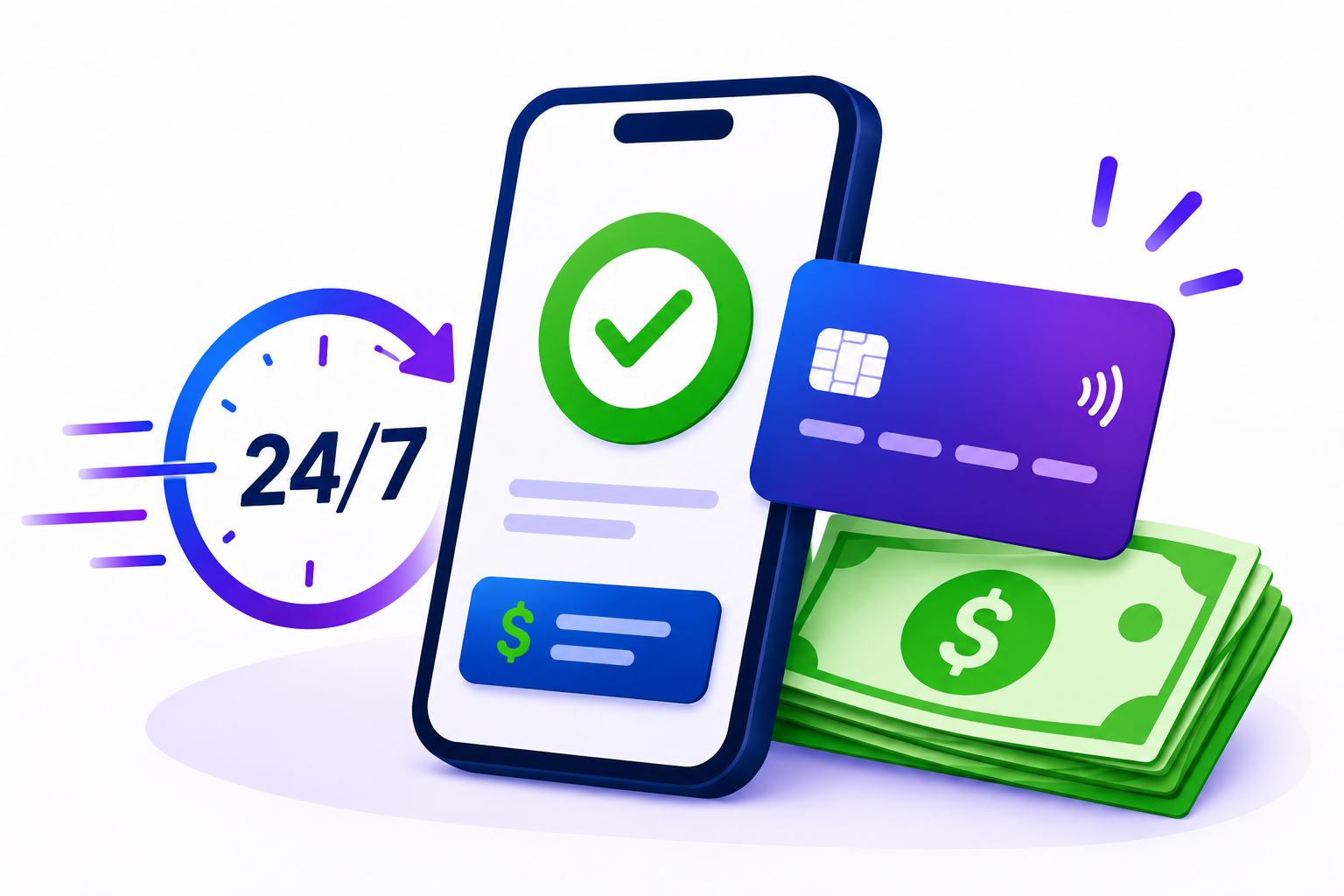
Instant access to your cash with Instant Payouts

  • Smooth your deposits and cover unexpected expenses with immediate access to your funds
  • Available 24x7, including nights, weekends and holidays, for a fee of 1% of payout amount
c84f971d-9113-4cfd-932b-bbb39cb63298

Streamline your processes - Save time, avoid manual toil, and eliminate errors

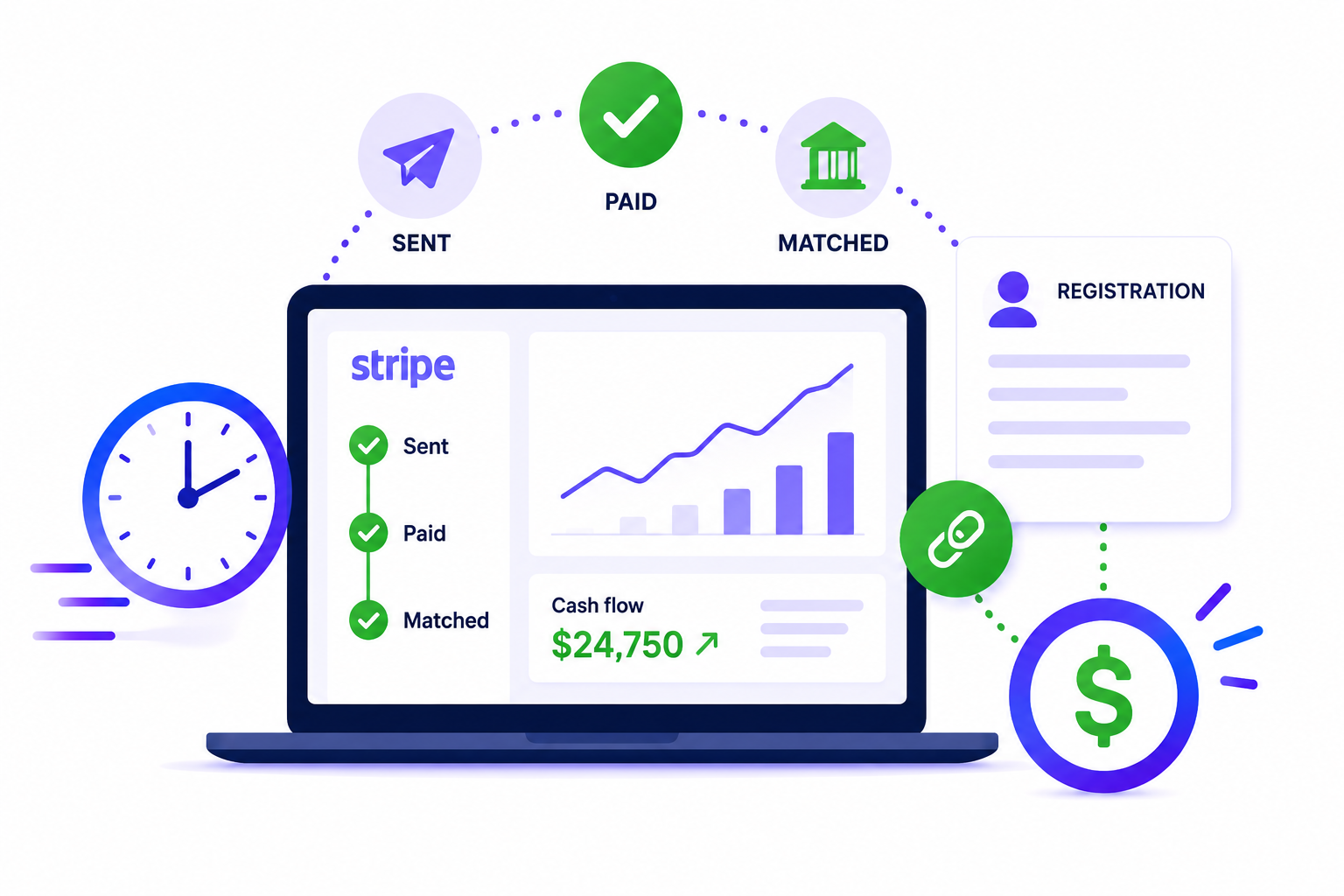
  • Automatically track within Stripe from sent to paid to manage your cash flow
  • Automatically match payments to registrations to avoid reconciliation errors

Offer flexible payment options

  • Offer flexible payment terms to match customer's preferences
  • Reduce exposure to delayed payments by saving card details, taking deposits, and offering installments

5484e900-8784-43fd-9a7d-075844597f2b

Frequently asked questions

How do I sign up for Stripe in Zorts?

When setting up your event, you’ll be prompted to create or connect a Stripe account to collect registration payments and revenue share. You can also complete this step later through your event or account settings.

For more information, please see:
How to Add Stripe to an Event

What is the process and how long will it take?

Stripe account approval is typically nearly instant, allowing you to accept payments right away. If Stripe needs additional information or your account requires further review, they’ll contact you. Businesses on Stripe’s Restricted Business list may experience longer approval times.

If your business is having trouble accepting payments online, review Stripe’s Restricted Business documentation.

If you’re unsure whether your business falls into one of these categories, contact Stripe Support for assistance.

What do I need to sign up for Stripe?

You’ll need an email address and password to create your account. To activate your account, Stripe may also require:

  • Business information
  • Photo ID
  • Address verification

You can find Stripe’s full list of verification requirements here.

Learn more about activating and managing your Stripe account here.

Tip: Be sure to add the website associated with the goods or services you’ll be using Stripe for.

Does Stripe work with tax software?

Yes! Stripe integrates with hundreds of third-party tools, including tax, accounting, shipping, and email software.

You can explore Stripe integrations here.

Why was my account rejected?

Stripe has certain restrictions on the types of businesses and services it can support due to financial regulations and its Services Agreement.

You can learn more about Stripe’s restrictions here.

When should I contact Stripe or Zorts?

You can contact Zorts for most questions related to using Stripe through Zorts.

Contact Stripe for issues such as:

  • Specific charges, refunds, payouts, or disputes
  • Account access or lockouts
  • Stripe Dashboard settings or features
How do I contact Stripe?

For the fastest assistance, log in to your Stripe Dashboard before contacting Stripe Support. This helps verify your account and gives their team the information they need.

When contacting Stripe, include relevant details such as:

  • Customer name and email
  • Stripe IDs, such as a charge (ch_...) or payment (py_...)
  • For card-related questions, the card brand and last four digits

Never share a full card number or CVC.

When you're ready, submit a request here.