
1. Navigate to https://zortssports.com and log into your account.
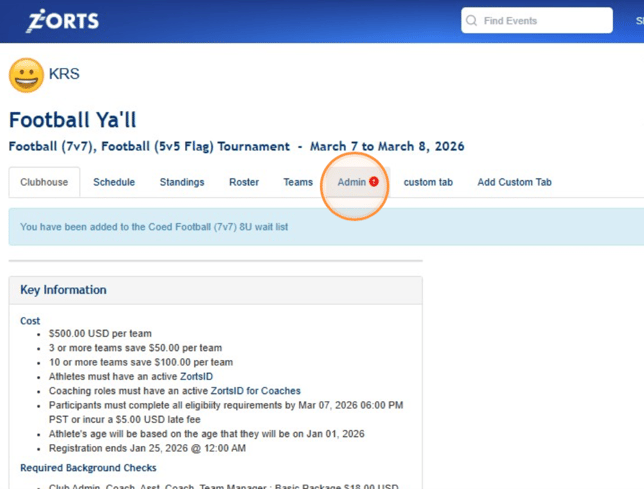
2. After selecting the event in question, click the Admin tab.
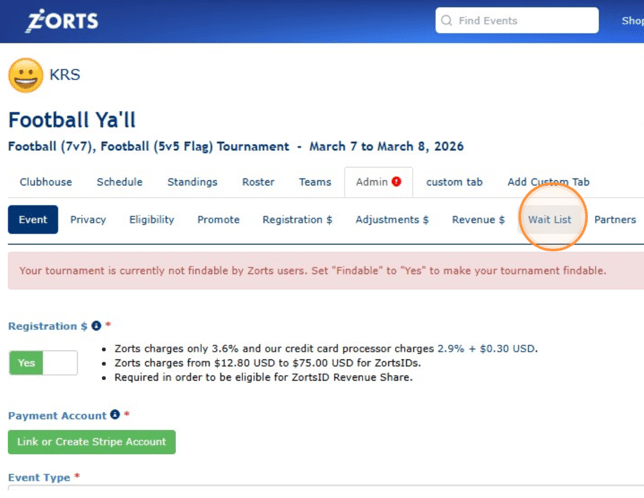
3. Click Wait List
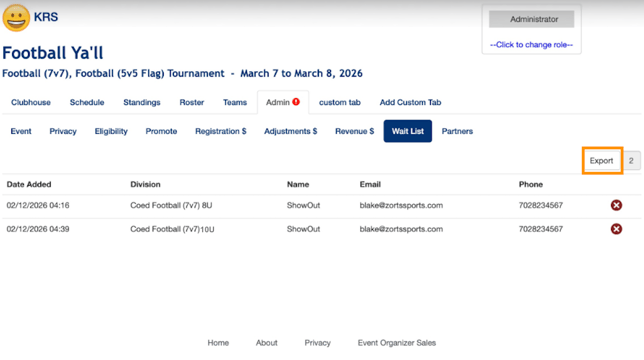
3. Use the information listed to add teams to your event or click 'Export' to download the information to your computer.
If you'd like to see how to add to the Wait List of your event, click HERE.