
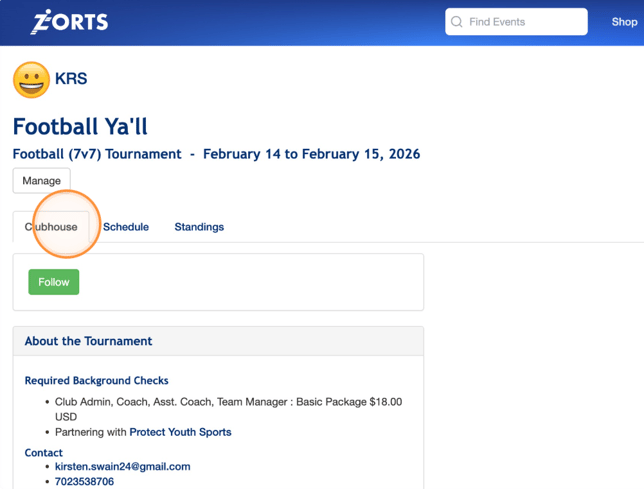
1. Access your Zorts account, search for the event in question.
2. After selecting the event, take a look at their informational Clubhouse page.
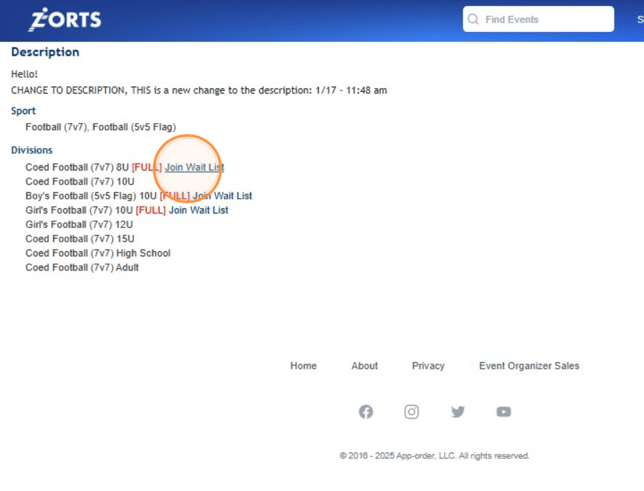
3. Scroll down to view the list of divisions and click 'Join Wait List'
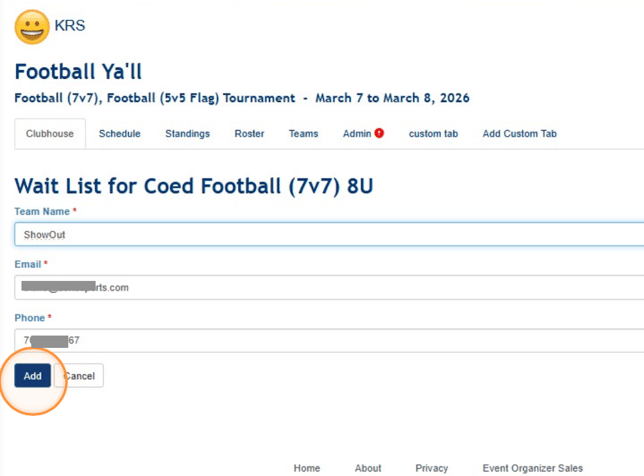
4. Enter your information and click 'Add'
If you are an Event Administrator, and you would like to know how to access your Wait List, click HERE.